
Making the most of your school connection
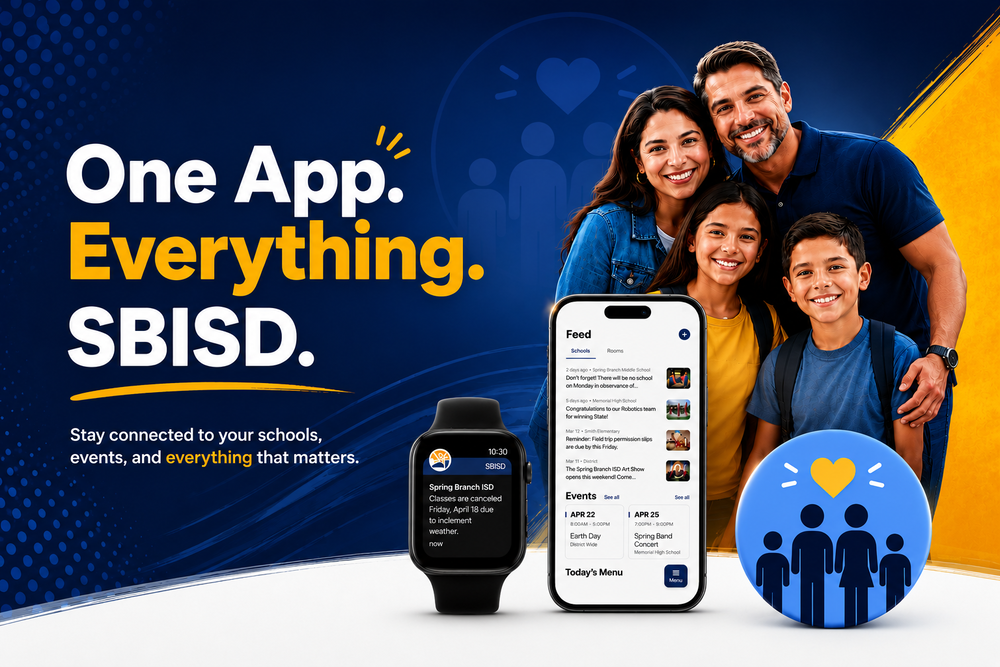
The SBISD mobile app makes it easier for families to stay informed about everything happening at their child’s school. With the app, you can receive important updates, check school news, view events, and communicate with teachers all in one place.
Don't have the Spring Branch ISD TX App?
Here are a few tips to help you get the most out of the SBISD app.
Turn On Notifications
After downloading the app, be sure to enable notifications on your device. Turning on notifications helps ensure you never miss important information from your child’s school.
Follow Your Child’s School
Within the app, you can follow your child’s campus to receive updates specific to that school.
This allows you to:
see campus news
receive school announcements
stay informed about upcoming events
Families with children at multiple campuses can follow more than one school. It's as simple as toggling between schools in the menu.
Check News and Announcements
The app includes a news feed where schools and the district share updates. You can use this section to stay informed about:
student achievements
important school information
district announcements
Checking the news feed regularly helps you stay connected to your school community.
Use the calendar to keep track of:
school holidays
campus events
testing dates
meetings and activities
This makes it easier to plan ahead for your child’s school schedule.
Message Teachers through ROOMS
The app includes ROOMS, a secure messaging tool that allows families to communicate directly with teachers. Teachers may send messages about:
classroom reminders
general updates
upcoming classroom activities
You can respond to messages directly through the app. Check with your teacher if they are using Rooms as part of their family-to-school communications this year.
Keep Your Contact Information Updated
The app connects to your child’s school information through Skyward. To ensure you receive messages and alerts, make sure your phone number and email address in Skyward are correct. It's also important to enter a cell number and make sure it's marked CELL.
If your contact information changes, update it or contact your school's front office for assistance.
Check the App Regularly
The SBISD app brings together school communication in one place. By checking the app regularly, families can stay up-to-date with important announcements, events, and classroom updates.
Stay Connected to SBISD
The SBISD mobile app helps families stay informed and connected to their child’s school. Learn more here.
Need help? Email us at apptegy@springbranchisd.com.